Mobile Proxy Manager — Control Your Proxies Right From the Browser
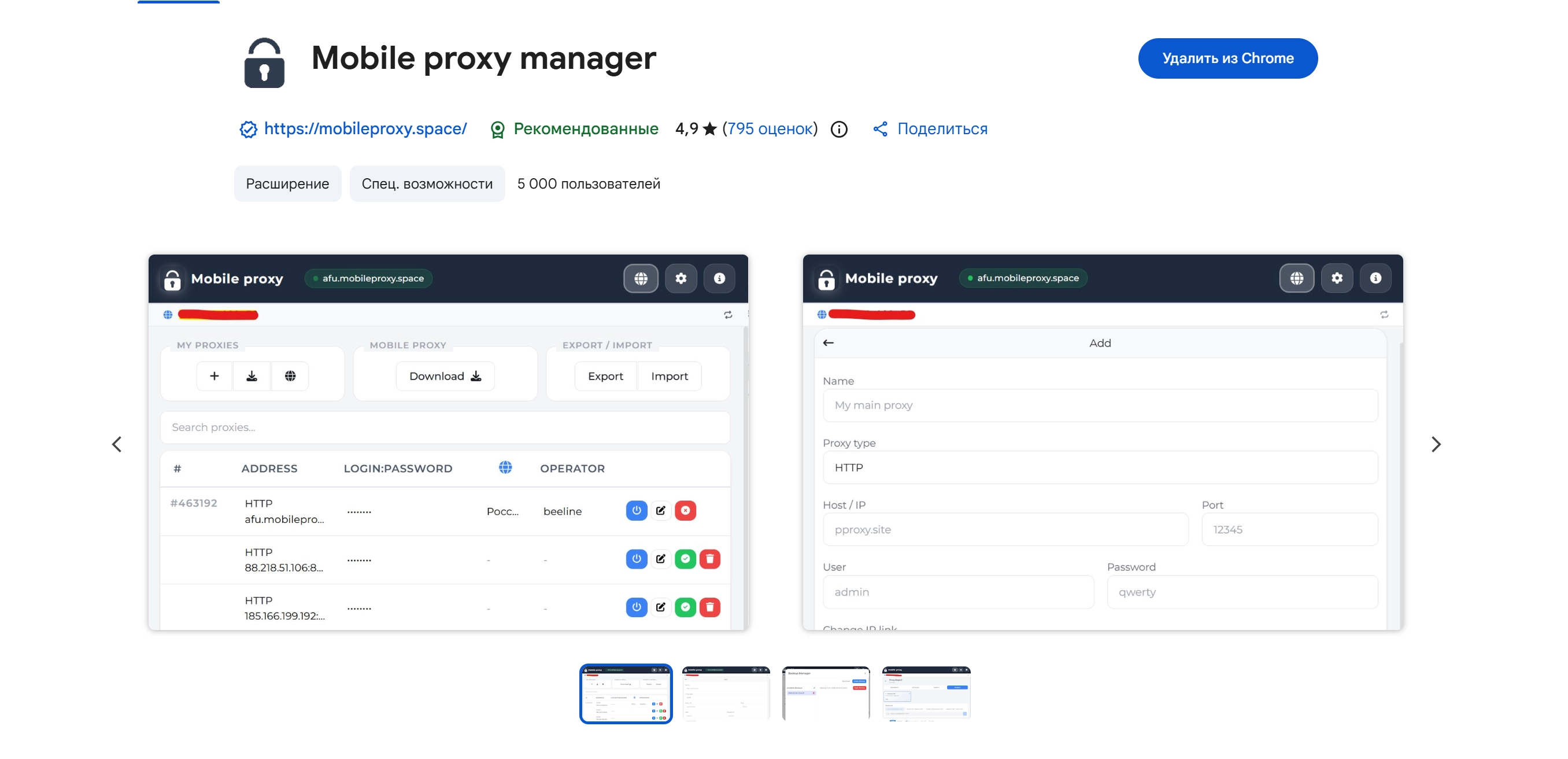
Mobile proxy manager is a browser extension for working with mobile and residential proxies. Turn a proxy on in one click, rotate the IP, check the connection and move proxies into antidetect browsers without retyping them. Manage your proxy rentals right in the extension.
Extension Features
Everything you need for professional proxy management — in a single extension
One-Click Switching
Activate HTTP or SOCKS5 proxy instantly. Green indicator on the icon and active row highlight — you always know which proxy is currently active.
Built-in Health Check
Check availability, response time in milliseconds, and current external IP. Auto-check on proxy activation so you immediately see if the connection works.
One-Click IP Rotation
Instant IP change without an infinite spinner. The rotation request goes direct, bypassing the proxy itself — result in 1–2 seconds. After rotation, the extension automatically updates geo, carrier and address via API.
Export to 20+ Formats
Ready-made presets for AdsPower, Dolphin{anty}, GoLogin, Multilogin and other antidetect browsers. Universal formats JSON, CSV, TXT and custom templates.
Cloud Backups
Sync your proxy list with your proxeon.net account via API token. Backup history, preview and one-click restore.
IP rotation always works
Prevent WebRTC from leaking your real IP address. Turn it on in settings.
Renew proxy
Rental time left on every proxy: green label, yellow 3 days before expiry. Renew in two clicks: pick a period, see the price and confirm the charge to your balance. Auto-renewal is right there. Balance in the header and a top-up for the exact amount missing.
Tracker protection
Built-in blocking of ad and analytics trackers inside the proxy session: fewer extra requests through the proxy and fewer traces between accounts. Turn it on in settings.
Excluded sites
Sites on the list always open directly, without the proxy. Wildcards supported.
Who Needs This Extension
Mobile Proxy Manager fits any task requiring proxy control
Testing & QA
Verify geo-dependent features, performance and scenarios by quickly switching proxies between regions.
Marketing & Analytics
Control environments for ad placement verification and impression tracking across different geos.
E-commerce
Isolate workflows by region, apply labels and domain exclusions for precise routing.
Team Collaboration
Share configurations via export, use cloud sync and set up profiles for each task.
Multi-accounting
Export proxies to antidetect browser formats, manage exclusion lists and labels for each profile.
Research & Education
Manage access to controlled environments, collect response metrics and monitor network status.
Export to 20+ Formats
Choose a ready preset for your antidetect browser or create your own template. Live preview, one-click copy or file download. Support for optional fields: IP change link, proxy ID, geo data.
Smart Import
Paste your proxy list in any format — the extension auto-detects the type and parses the data. Drag and drop files directly into the extension window.
Cloud & Sync
Connect your proxeon.net account via API token for automatic proxy sync, cloud backups with history and one-click restore. Smart merge updates existing entries and adds new ones without duplicates.
Comparison with Alternatives
| Feature | Mobile Proxy Manager | Other Extensions |
|---|---|---|
| One-click switching | ||
| Health Check + latency | ||
| IP Rotation from Extension | ||
| Export Formats | 20+ | 1-3 |
| Smart Import | ||
| Cloud Backups | ||
| WebRTC leak protection | ||
| UI Languages | 10 | 1-2 |
| Manifest V3 | / |
FAQ
Install Mobile Proxy Manager Now
Free extension for professional proxy management. Setup in 10 minutes, save hours every month.
Chrome, Firefox, Edge, Brave, Opera and other Chromium browsers
Want to learn more about all the features?
Read the update overview →Other tools:
Useful tools for working with proxies